
Find your way around
The pages of doggie.fun, the search, the live ticker and the theme switch.
doggie.fun has five pages. The header takes you to each of them from anywhere.
| Page | What it's for |
|---|---|
| Home | The top dog (the coin closest to graduating), what's moving, the top traders and creators |
| launches | The terminal: every coin, live, with filters and quick buys |
| leaderboard | Who's up the most, and which creators earned the most |
| my launches | Your coins, your creator fees and the button to claim them |
| Launch a coin | The launch form |
Every coin also has its own page: click any coin, anywhere. The coin page
Search
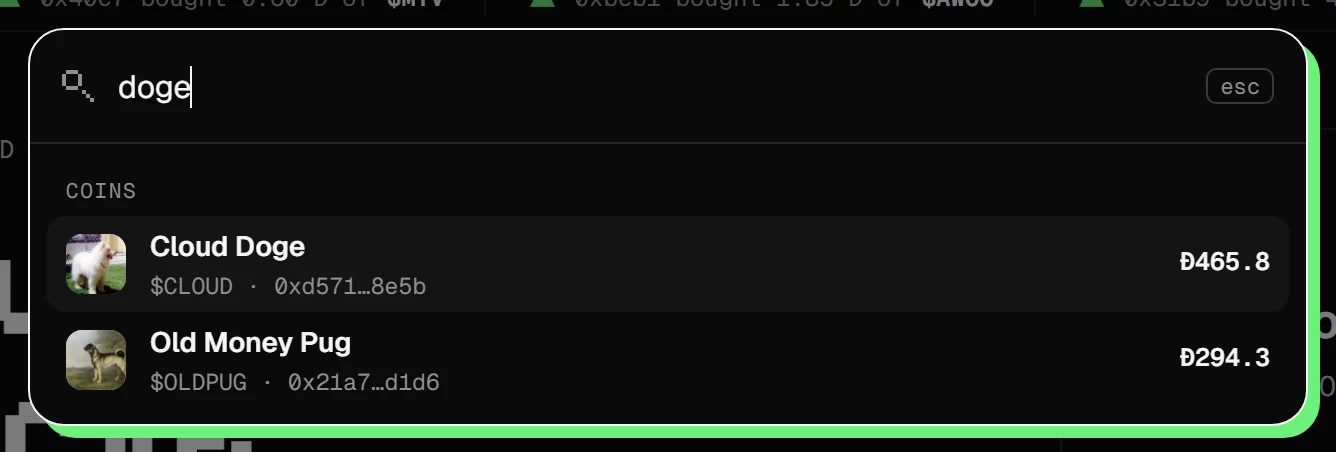
Click the search box, or press Ctrl K (⌘ K on a Mac, or /). Type a coin's name or symbol, a creator, or paste a contract address.
Paste the address
Two coins can share a name or a symbol. The contract address (CA) is the only thing nobody can copy, so pasting it always finds the right one.
The live ticker
The strip under the header shows trades as they happen: who bought, who sold, what just launched and what just graduated.
Light or dark
The sun button in the header switches the theme. doggie.fun remembers your choice.
On your phone
Everything works on a phone. The pages move to a tab bar at the bottom, and on a coin page the buy and sell panel slides up as a sheet when you tap Buy $SYMBOL.